Manual licensing
If the computer to be licensed is unable to access the KBR licence portal at https://lic.kbr.de due to a lack of a direct internet connection, the licensing process must be carried out manually. To do this, the licence files must be transferred from the system to be licensed to a PC with an internet connection via a data storage medium.
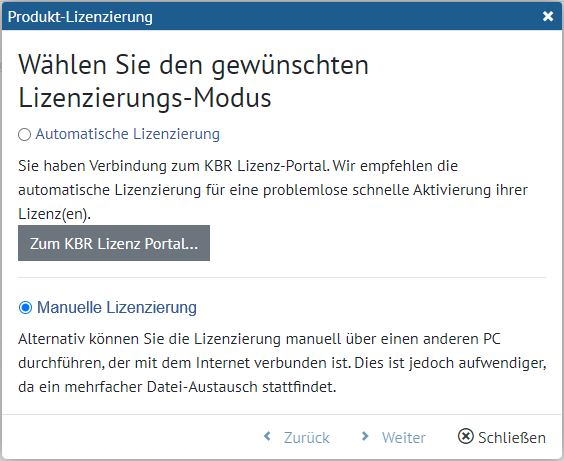
Select the Manual licensing option
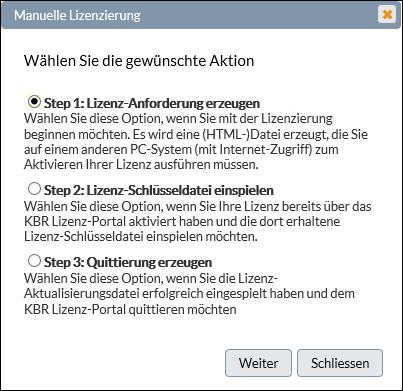
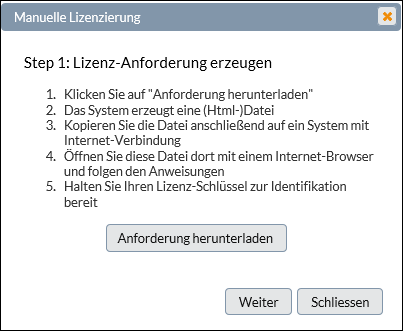
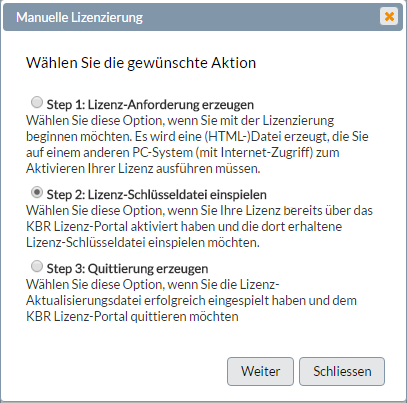
Follow the steps in the wizard. An HTML request file is generated (activate_lcense.html). This is downloaded and transferred to the licence portal via a system with internet access. The request file contains all licence information relating to the system being licensed and redirects you to the KBR licence portal. Once you have entered the licence key supplied with the product to identify and register the user, a message will appear prompting you to upload the licence request file. Please note that the request file is automatically included in the HTML file. Clicking the button will start the transfer straight away. Once uploaded, the product is registered on the licence portal, a key file is generated and made available for download. Select the “Download key file now” option. Copy the key file to the system you wish to licence and use it to activate the product.