Copy roles
Required permissions
| The user must be assigned to a role that includes the project permission “Users and Roles”. This is the case, for example, with the predefined role “Project Manager”. |

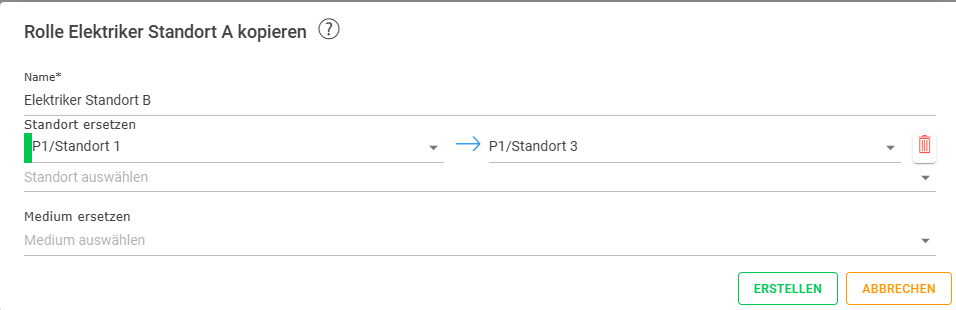
Roles can be copied, and properties such as location or medium can be adjusted in the process. This saves a lot of time in scenarios where, for example, specific roles need to be defined for each location. The following practical example (reading notifications from location A) is intended to illustrate how to copy and edit:
| Original role | Target role |
|---|---|---|
Object type | Location | Location |
Object | Location A | Location B |
Permission | Notifications | Notifications |
Access | Read | Read |
Procedure:
- Select the role you wish to copy.
- Click on the
 button
 - Give the role a new, unique name.
- If the location or location medium is to be changed during copying, the relevant details can be entered in the dialog box
- Complete the copying process using the CREATE button: