Formula Editor
The Formula Editor is a dialog box that allows you to create a calculation formula. Before saving, the formula can be validated, thereby preventing any syntax errors. The formula editor is required for both calculated metering points and indicators.
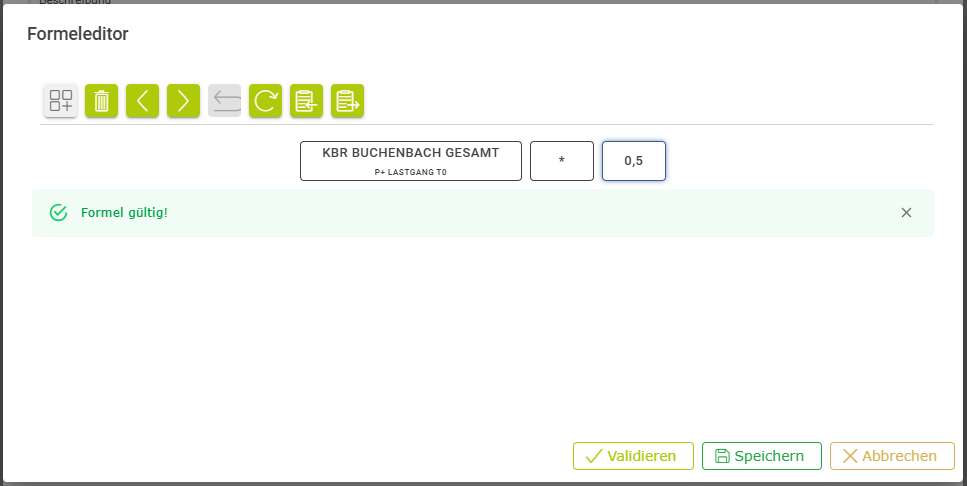
The editor allows you to create the individual terms of a formula and, once selected, to edit them.
| Add a term – Possible options include:
|
| Delete – Deletes selected elements |
| Move the element to the left |
| Move the element to the right |
| Undo |
| Refresh / Reset |
| Copy to clipboard |
| Paste from clipboard |

 Measured variable of a metering point


Before saving, you should always validate the formula you have created or amended.